
Seamless UI/UX
Design & Development
Crafting beautiful, high-converting interfaces backed by clean, responsive code. From wireframes to launch, we bridge the gap between stunning visuals and flawless functionality to deliver a digital experience your users will love.

Why Your Business Needs
Professional UI/UX Development
Technical debt, user friction, and competitor standards are rising – here’s how proactive digital development protects your bottom line.

01
Maximize User Retention
Poor UX drives customers away. Real-time interface optimization pinpoints friction points immediately before they impact your conversion rates.
02
Future-Proof Technology
Web standards evolve rapidly. Automated performance checks ensure your site meets modern requirements to avoid technical obsolescence.
03
Streamline Development
Building from scratch is costly. Data-driven component libraries find the best reusable patterns and significantly lower your development time.
04
Boost Brand Authority
Inconsistent design erodes trust. Streamlined design systems and digital asset logs maximize your brand’s professional impact.
The Cost of
Bad User Experience

Wasted Engineering Hours
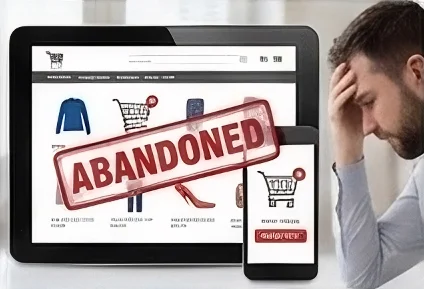
Dropped Checkout Carts

Low Team Productivity
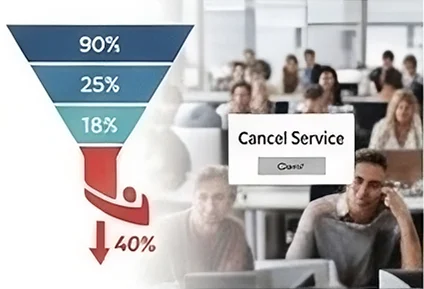
High Customer Churn
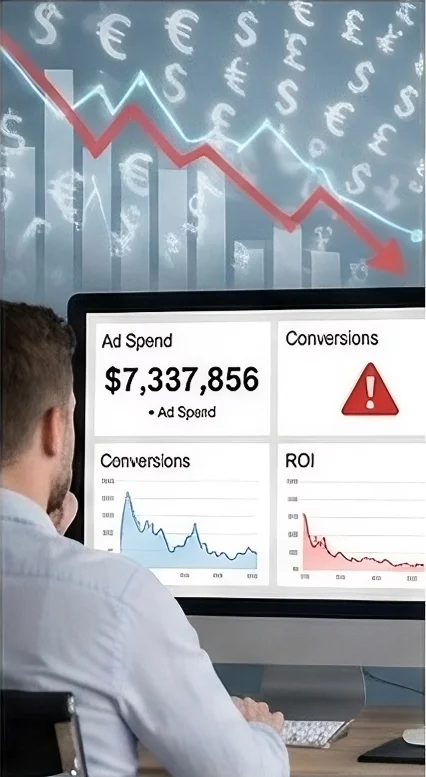
Wasted Ad Budget
Dropped Checkout Carts

Damaged Brand Trust
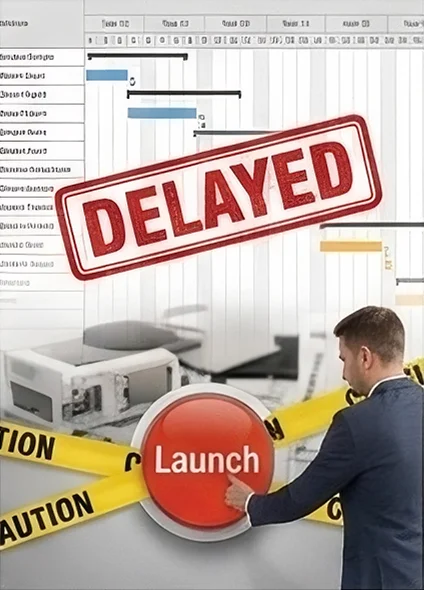
Delayed Product Launches
Low Team Productivity
High Customer Churn
Delayed Product Launches
Don’t let poor UI/ UX cost your revenue.
Secure your business today.
Common Questions
About UI/UX Design & Development
UX (User Experience) design focuses on the overall feel of the journey, mapping out the user flow to ensure the product is intuitive, useful, and easy to navigate. UI (User Interface) design is the visual and interactive layer—the typography, colors, buttons, and layouts that users see and interact with.
By maintaining a single source of truth through a shared design system (like Figma) and component libraries. Designers and developers collaborate early on grid layouts, responsive constraints, and interactive states to ensure the final code perfectly matches the intended vision.
Testing wireframes or interactive prototypes with real users catches usability issues and design flaws early. It is significantly faster and more cost-effective to modify a design in Figma than it is to rewrite codebase architecture after a feature is fully built.
Accessibility is integrated into every step by ensuring proper color contrast ratios, clear text hierarchies, and scalable fonts during the design phase. During development, we use semantic HTML, ARIA attributes, and keyboard navigation testing to meet WCAG (Web Content Accessibility Guidelines) standards.